 PuzzlePulse
Puzzle of the Day
Three quick rounds, a new set every day and the same for everyone. Play right here, no download and no account. Your time is your score.
Please turn on JavaScript to play.
How it works
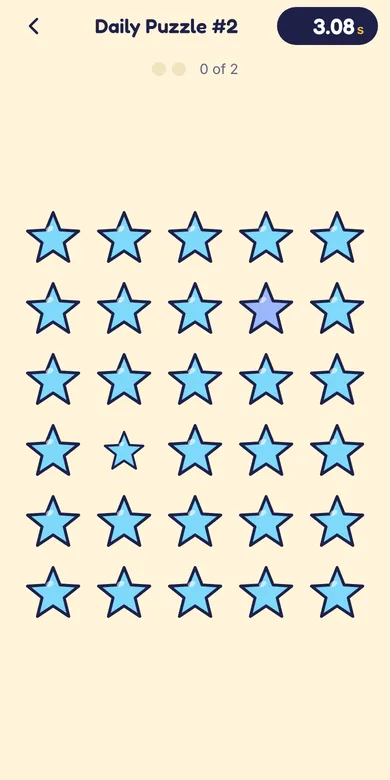
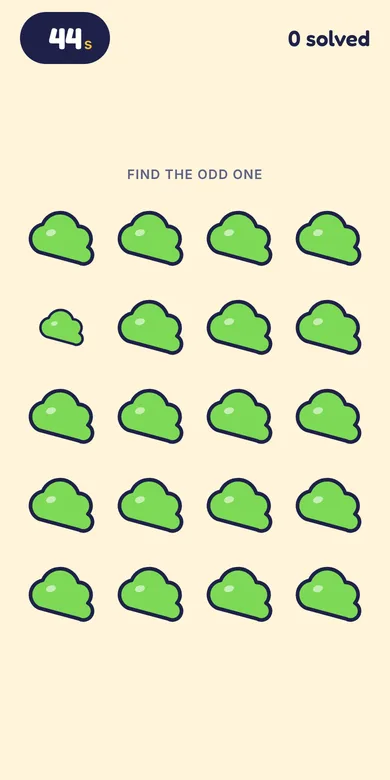
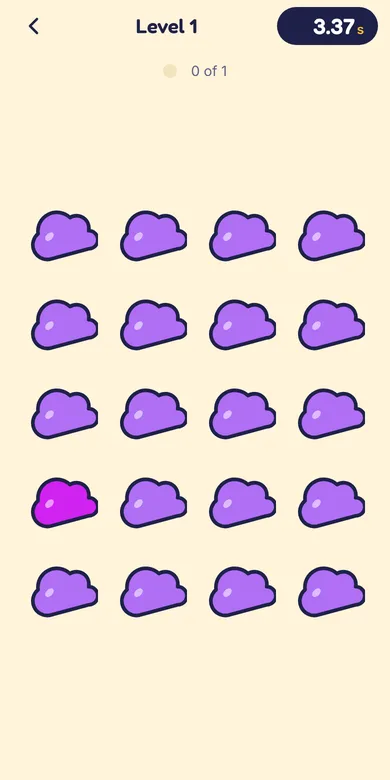
- Round 1: one shape in the grid is mirrored. Tap it.
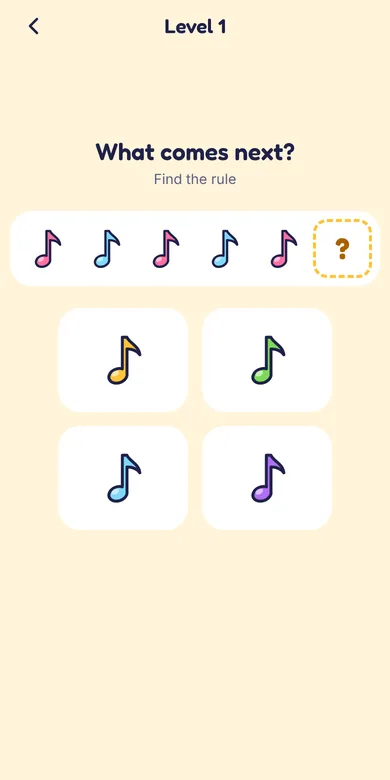
- Round 2: a row of numbers follows a rule. Pick the number that comes next.
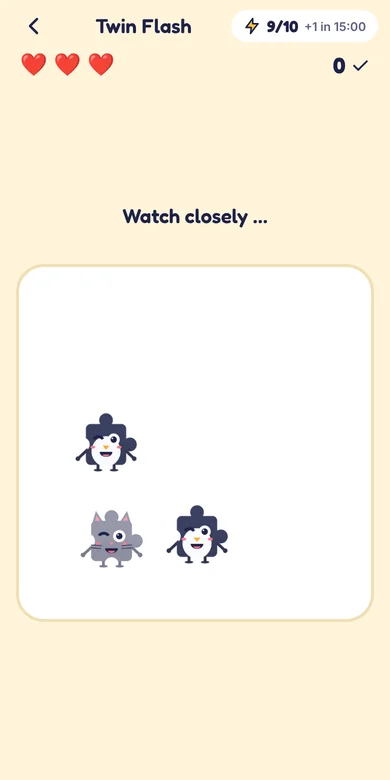
- Round 3: remember four letters. Pip covers them for a moment, then they pop up again with a fifth one. Tap the new letter.
- A wrong tap does not end the game, it adds a few seconds. The faster you are, the better your time.
Questions and answers
When is there a new Puzzle of the Day?
Every day at midnight (your local time). Everybody plays the same puzzle on the same day, so you can compare times with friends.
Is the Puzzle of the Day free?
Yes, it is completely free. You play in your browser without an account, an e-mail address or a download.
How long does it take?
Most players need between 30 seconds and two minutes for all three rounds.
Is it the same as the Daily Puzzle in the app?
No. The website puzzle is a short warm-up. The app has its own Daily Puzzle with five rounds and a leaderboard, plus a 72-level journey, duels with friends, reaction tests, the Animal Hunt and your own Pip.
Is this a brain-training or IQ test?
No. It is a fun puzzle for a minute a day. We do not measure intelligence and we do not promise any training effect.
More games in PuzzlePulse